Control Center
Fluxnova Control Center is a web-based application designed to interact with the Fluxnova BPM Engine. It enables users to monitor, analyze, and perform operational tasks on deployed BPMN processes, DMN decisions, batches, and deployments through a unified interface.
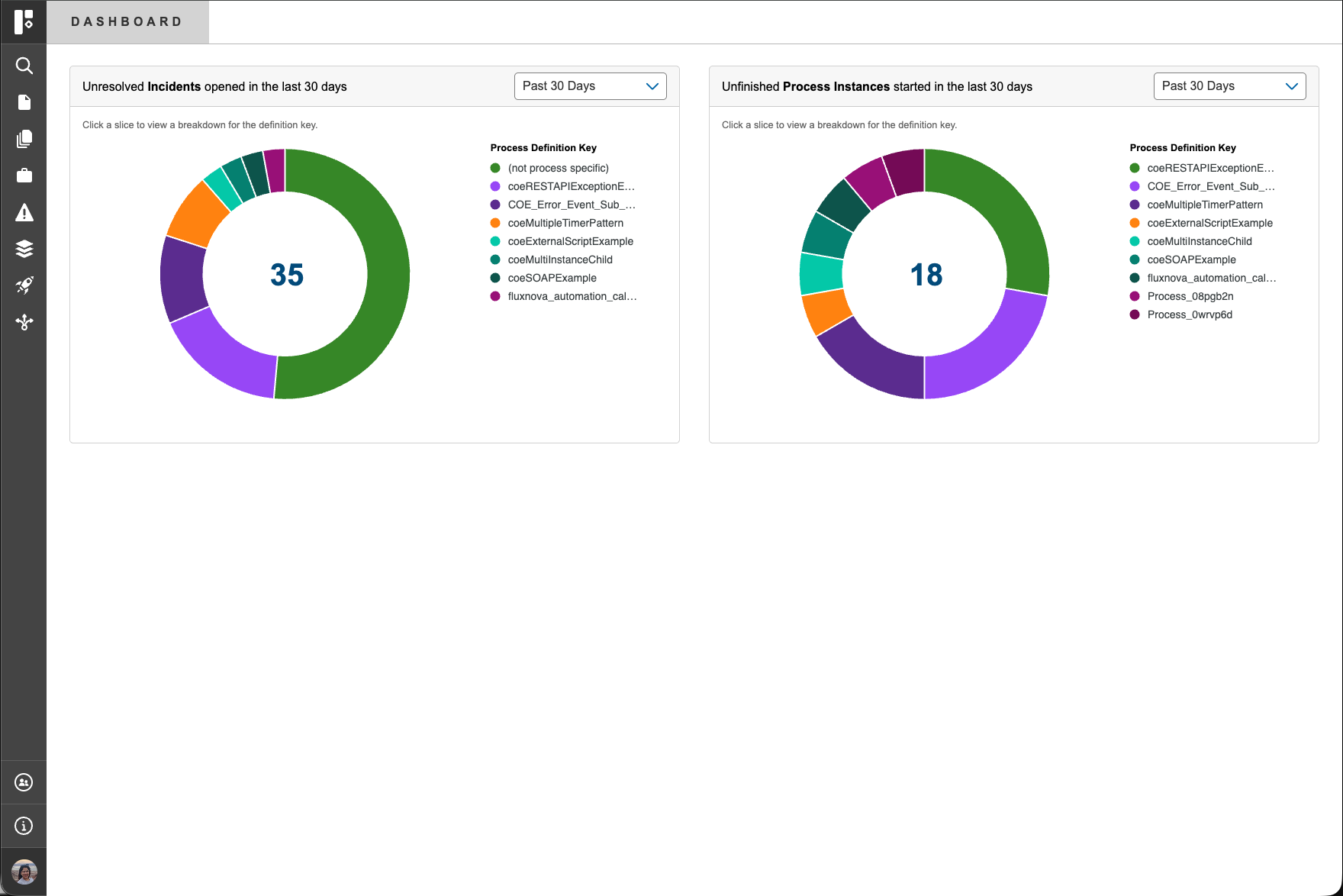
Application Structure and Navigation:
Fluxnova Control Center is organized around two primary page types:
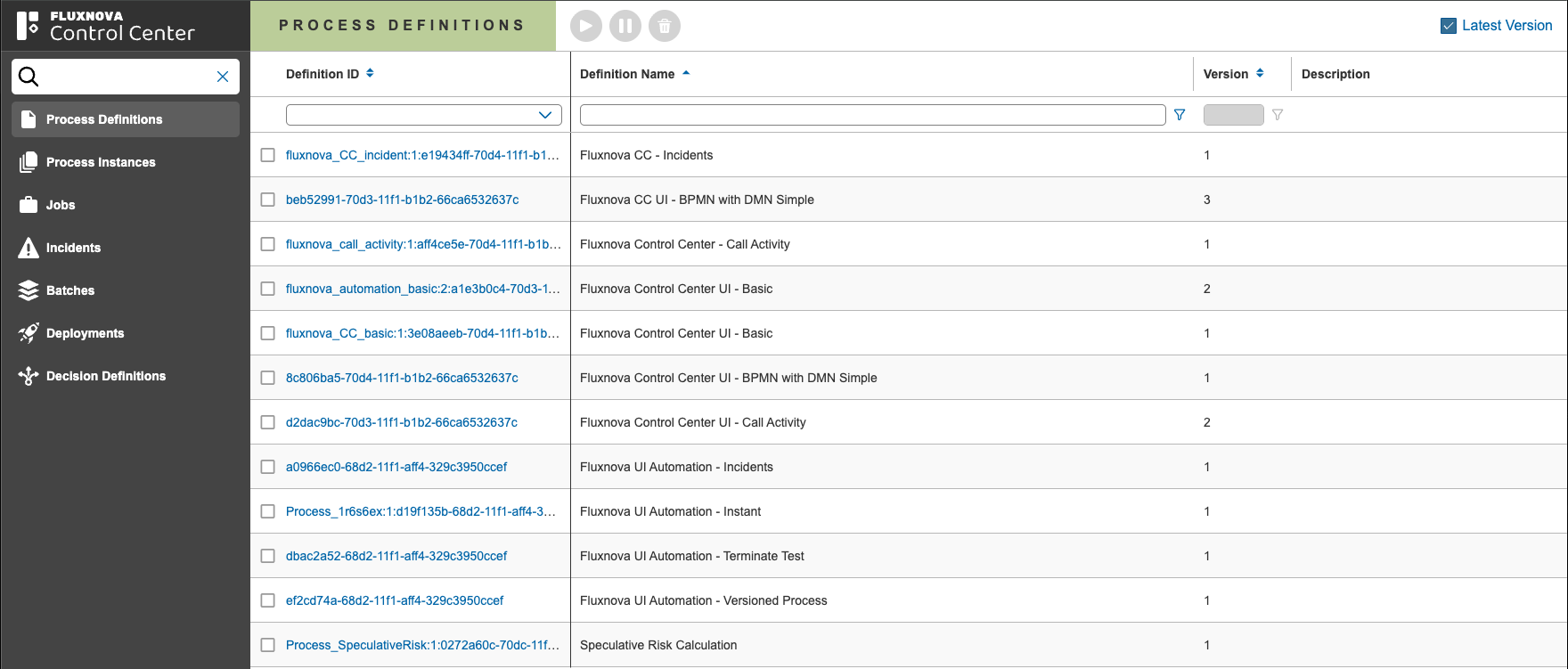
List Views
Provide an overview of entities in a grid format such as
- Process Definitions
- Process Instances
- Jobs
- Incidents
- Batches
- Deployments
- Decision Definitions
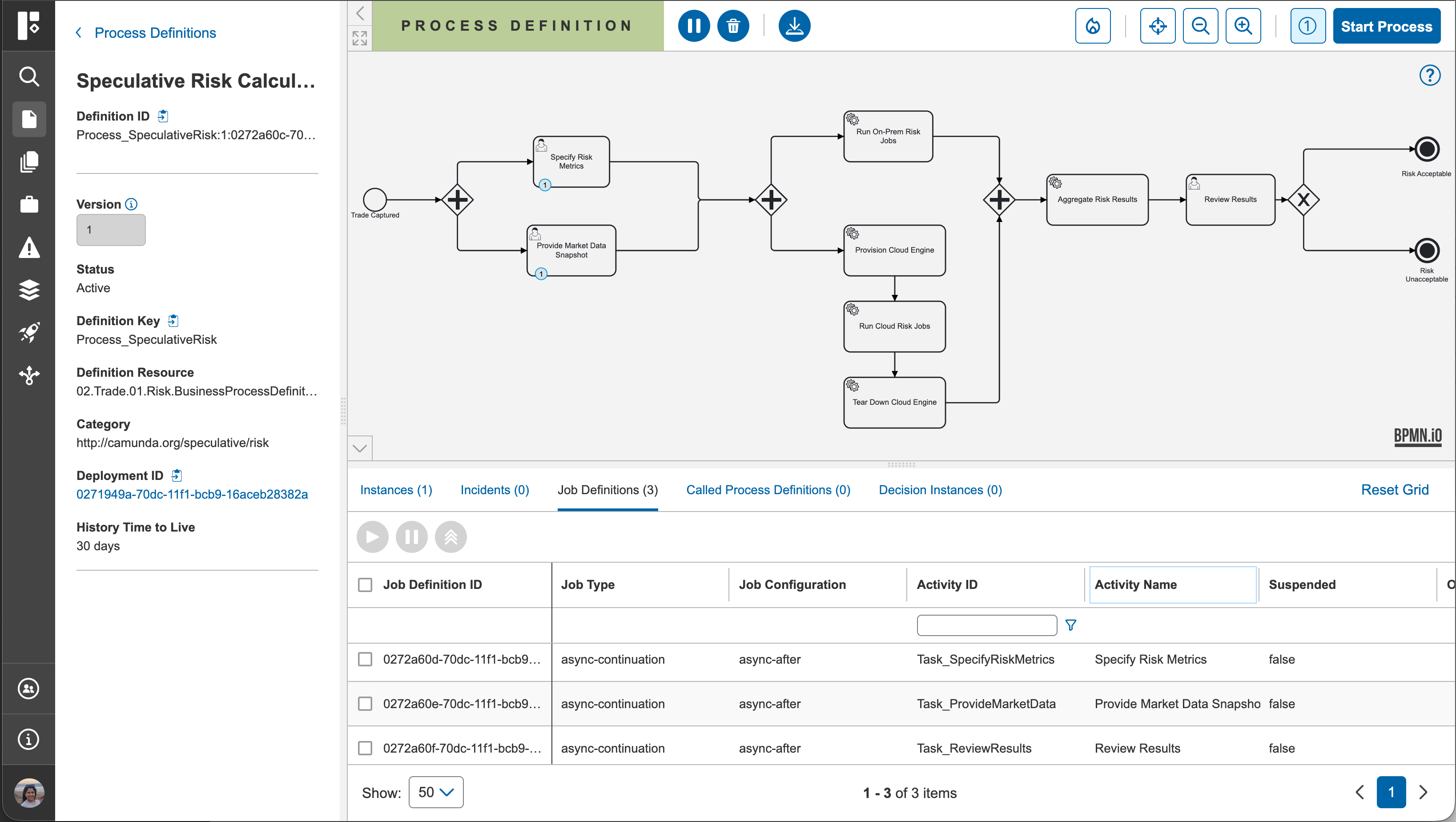
Detail Views
Offer in-depth information, diagrams, and actionable controls for individual processes.
- Left Panel
- Canvas
- Tabs Data
From both list and detail views, users can perform process related actions depending on permissions and the state of the selected entity.
Unified Navigation Model
The application follows a connected (circular) navigation model, allowing seamless transitions across related components, including:
- Process definitions
- Process instances
- Deployment resources
- Decision instances
Each of these components is interlinked, enabling efficient exploration and contextual analysis without losing continuity.
Example: From a process instance, you can directly navigate to its definition, related deployment, or associated decision instances, and back again without returning to a central page.
Global Navigation
- Home Navigation: Selecting the Fluxnova logo in the top-left corner returns you to the Dashboard.
- Left Navigation Panel:
- Access to all major application list pages.
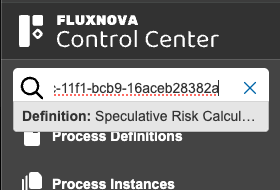
- A global one-to-one search for quickly locating entities
- User profile & application details
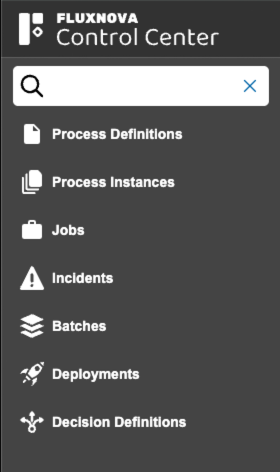
Search by ID
The search functionality in Control Center is a one to one mapping by a single ID, it allows users to search by:
- Process Definition ID
- Process Instance ID
- Job ID
- Incident ID
- Deployment ID
- Decision Definition ID
- Batch ID
Documentation Overview
This documentation covers the following functional areas: